Curing Passive Time Blindness
When engrossed in deep computer work, days and quarters slip away unnoticed. 365 anchors your temporal perspective every time you minimize your active windows.
Designed by Leavor Studio, 365 transforms your Windows desktop and Android background into an intentional date wallpaper visualizing the year’s runway or personal milestones with zero background footprint.
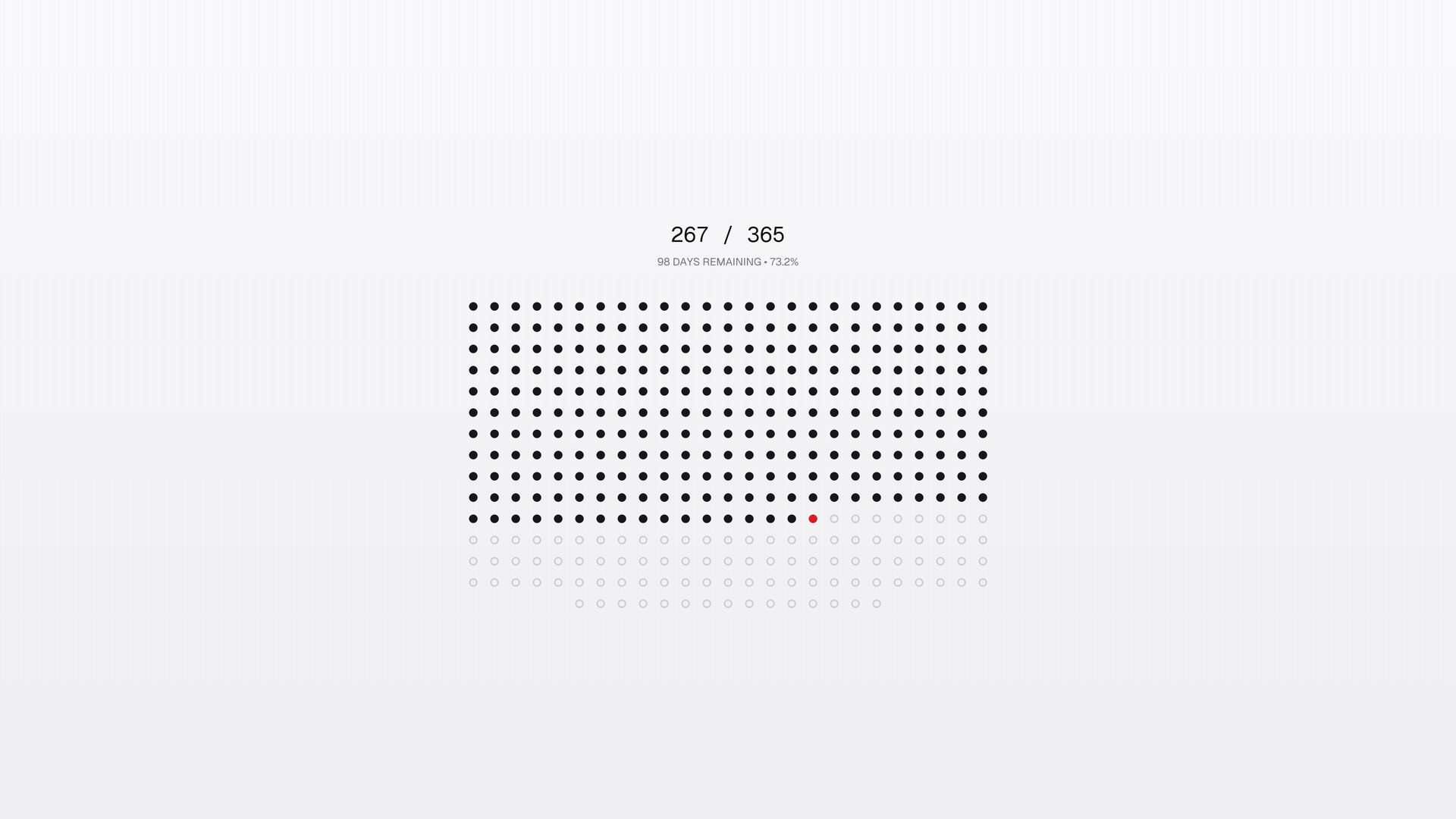
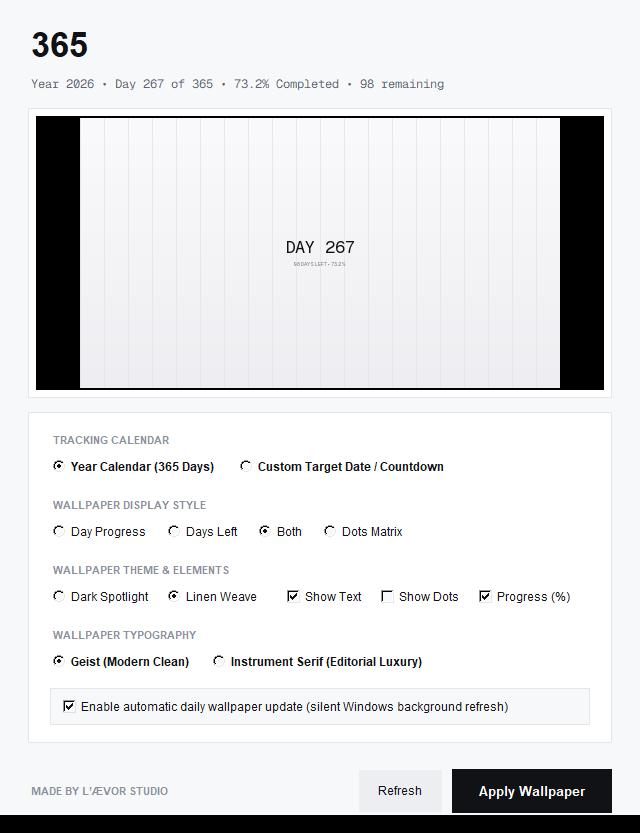
Zero persistent background RAM. No Electron runtime, no hidden webview, no Chromium overhead.
Runs for 200 milliseconds once a day via Windows Task Scheduler, updates Windows GDI, and shuts down.
Super Sampled Anti-Aliasing (SSAA). Renders at 7680×4320 for 1080p or 15360×8640 for 4K.
Zero background wakeups. Laptop standby and battery longevity remain completely untouched.
Most desktop utilities fight for your attention with notification badges, tray popups, and floating widgets. 365 operates on the principle of stillness.
When engrossed in deep computer work, days and quarters slip away unnoticed. 365 anchors your temporal perspective every time you minimize your active windows.
Traditional live wallpaper apps swallow 150MB to 400MB of RAM. 365 uses the native Windows wallpaper engine. It only wakes up when the clock strikes midnight.
Engineered with curated typography, micro-textured linen weave surfaces, and mathematical dot alignments. Built to elevate your workspace aesthetics, not clutter it.
Hover over the days of the year below to see how 365 computes elapsed time, remaining runway, and completion milestones.
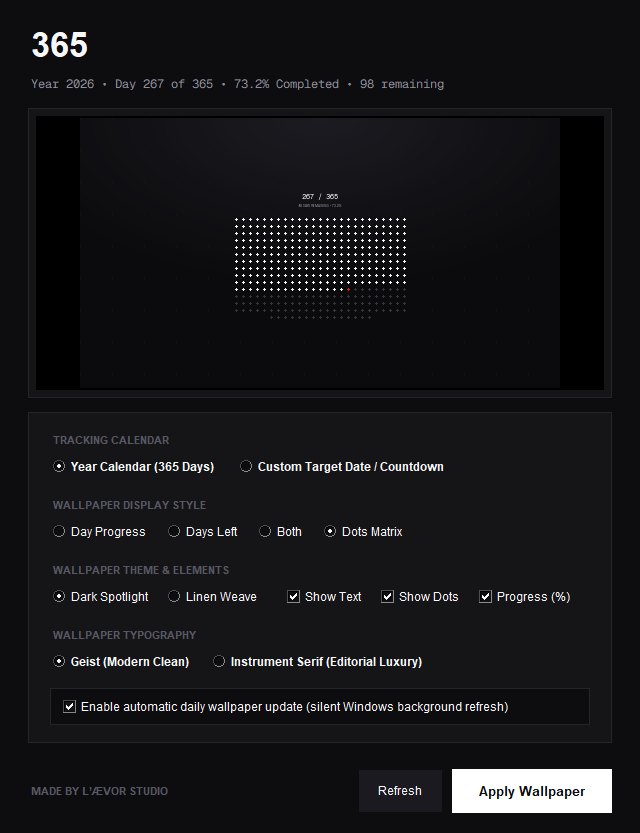
Whether visualizing the entire annual calendar or counting down to a crucial life milestone, 365 calculates and scales the grid seamlessly.
Tracks the entire calendar cycle from January 1st to December 31st with complete temporal intelligence.
date_calculator.py.
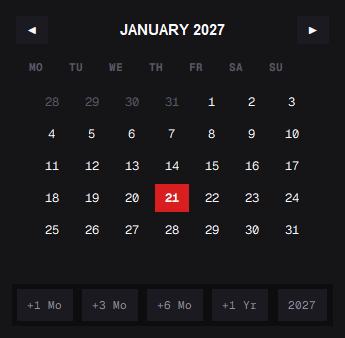
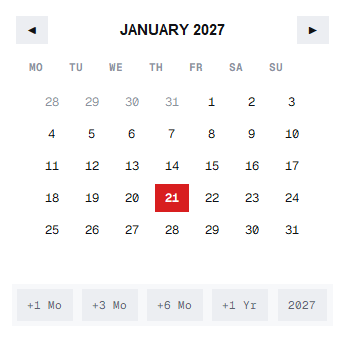
Focus your desktop wallpaper on a dedicated project launch, wedding, marathon, bar exam, or graduation date.
21st Jan 2027, 21/01/2027, January 21 2027, or ISO formats.
+1 Mo, +3 Mo, +6 Mo, +1 Yr.
How 365 achieves zero memory overhead, instant wallpaper switching, and pristine high-DPI clarity on Windows.
Instead of running an Electron or Python daemon that idles in the system tray, 365 registers a native Windows Task Scheduler job running silently at 00:01 AM.
If the machine is asleep, hibernating, or powered down at midnight, a secondary lightweight logon hook synchronizes the desktop background within milliseconds of unlocking.
To eliminate raster blur on 4K, 5K, or high-DPI displays, 365's Pillow graphics engine renders the full canvas at 400% of the target screen resolution.
The high-density canvas is downsampled via Lanczos resampling, ensuring razor-sharp typography, ultra-fine 1px geometric borders, and flawless dot perimeters.
Wallpapers are applied via the native Windows API SystemParametersInfoW using flags SPIF_UPDATEINIFILE | SPIF_SENDCHANGE.
This delivers seamless, instant transitions without restarting explorer.exe, avoiding black flashes or desktop icon rearrangement.
Packaged with LZMA2 compression via Inno Setup. 365 installs strictly in the user scope, never asking for administrative elevation or UAC prompts.
Upon uninstalling, the custom uninstaller hook purges scheduled tasks, cleans registry keys, and deletes generated cache without leaving orphaned clutter.
A direct architectural comparison between 365 and common live desktop widgets.
| Feature / Attribute | 365 (LEAVOR STUDIO) | Electron Countdown Apps | Live Wallpaper Engines |
|---|---|---|---|
| RAM Footprint | 0 MB (Exits after update) | 150 MB - 400 MB | 200 MB - 800 MB |
| CPU Utilization | 0.0% while working | 0.5% - 2.5% continuous | 2.0% - 8.0% GPU/CPU |
| Notification Distractions | Zero (Silent Stillness) | Frequent popups & alerts | Tray overlays & audio |
| Display Resolution Clarity | 4× SSAA Lanczos | Standard CSS Canvas | Video loops / WebGL |
| Admin Privileges Required | No (Standard User) | Varies | Often requires Admin |
| Offline Privacy | 100% Local & Private | Cloud sync & analytics | Workshop & online login |
Choose between the Windows Setup Wizard or the Android Mobile APK package.
Full standalone installer packaged with LZMA2 compression. Automatically registers the silent midnight Task Scheduler refresh (0 MB RAM, 0% CPU) with zero administrator privileges required.
Standalone native Android application package. Brings the minimal live date wallpaper, dot matrix year runway, and intentional time visualization directly to your mobile home and lock screens.
Engineered to run seamlessly across modern 64-bit Windows hardware and Android devices.
Essential facts about 365 by Leavor Studio.
365 by Leavor Studio is an ultra-minimal desktop date wallpaper utility designed and developed under Leavor Studio. It transforms your Windows background into a quiet, live reminder of time - displaying the live date, year in dots, and milestone runway without ever consuming system resources.
Unlike resource-heavy live wallpaper engines that stay open in your system tray consuming 200MB+ RAM and GPU power, 365 registers a native Windows Task Scheduler trigger that runs for less than 1.2 seconds precisely at midnight (00:00:00). It renders a crisp 4K UHD date wallpaper, applies it via Win32 SystemParametersInfoW, and completely exits. That means 0 MB RAM and 0% CPU during your workday.
Yes. 365 is 100% free and open-source software created by Leavor Studio. You can download the official Windows setup installer (365-Setup-1.4.0.exe) or the Android APK package (365-Android-v1.0.apk) directly from this website or explore the source code on GitHub. There are no subscriptions, ads, or telemetry tracking.
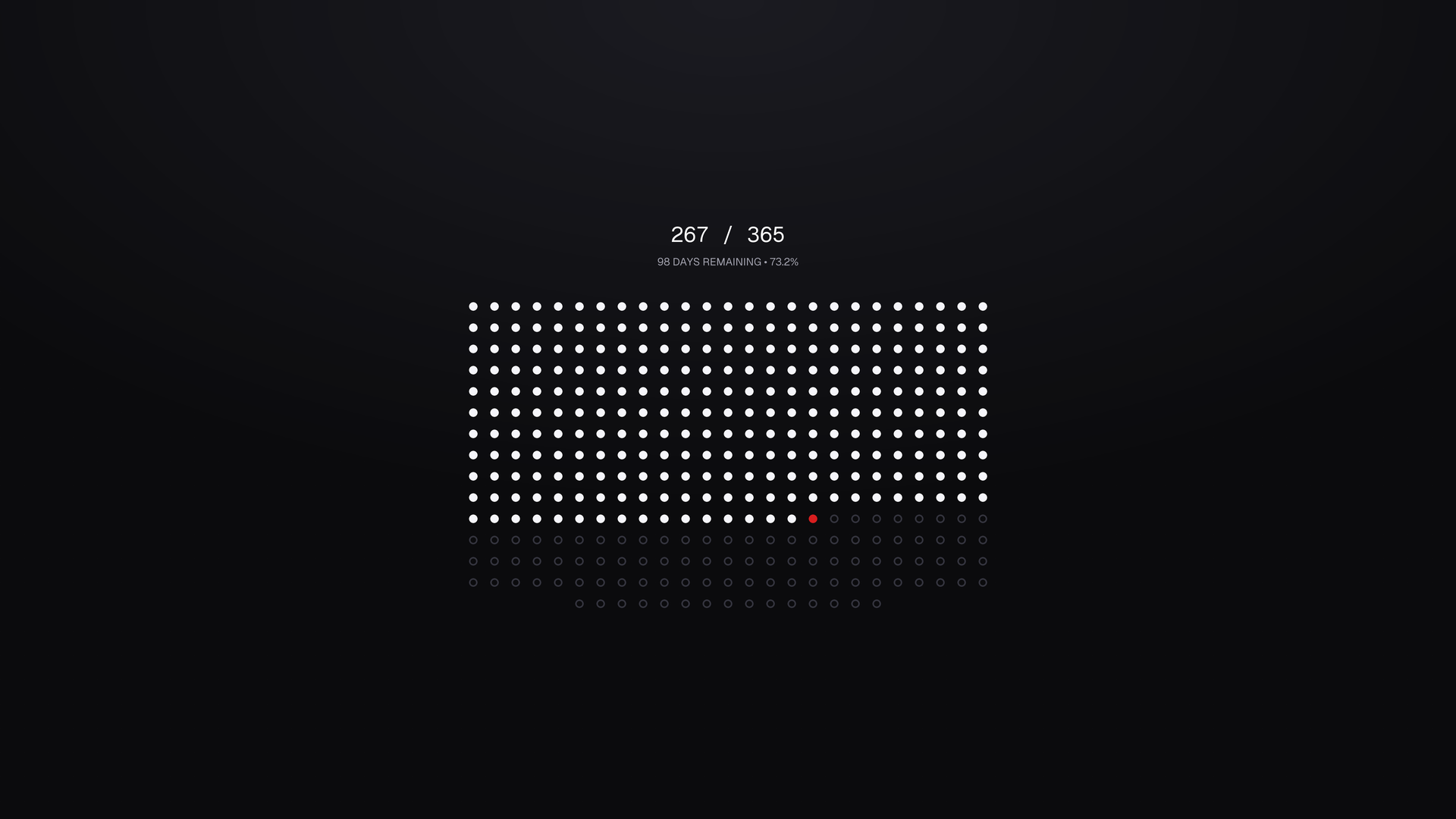
The 365 date wallpaper utility features two core modes: Year-in-Dots (a full 365-dot matrix representing every day of the year with your current day highlighted in signature crimson red) and Milestone Runway (a directional progress track counting towards custom milestones). Both modes support dual curated themes: Linen Weave (Light) and Dark Spotlight (Dark).
365 was envisioned, designed, and engineered by Leavor Studio. Follow updates on Instagram at @leavorstudio.